

For bands, FOH and monitor engineers
Stage Plot Maker for Bands
Lay out your band's stage with real measurements: stage size and risers in metres or feet, plus wedges and IEMs, amps, keys and power from more than 180 icons. The plot prints as a page of your technical rider, with a scale bar and the audience side marked, so the crew can set the stage before you arrive.
Free during beta · account required · the editor works on a laptop or desktop computer
How the Stage Plot Editor works
The editor has two parts: the icon library on the left and the stage on the right. Start with the stage size: a preset from a 6 × 4 m club stage to a 12 × 10 m festival stage, or your own measurements in metres or feet. The stage area follows those proportions, and the grid snaps in 0.25 m steps. Click or drag elements onto the stage; alignment guides help line them up, and you can zoom in up to 3× on a crowded corner.
What you can do with any element:
- Move, rotate (15° steps, or freely with Shift), flip, resize or stretch it.
- Drag a selection box over several elements, or Shift- or ⌘/Ctrl-click them, to move or resize them together.
- Duplicate with ⌘/Ctrl+D, bring forward or send back with ⌘/Ctrl+] and [, and undo or redo any change.
- Double-click to rename it, or search the library by name.
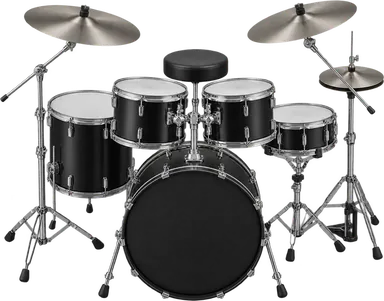
- Drum Kit
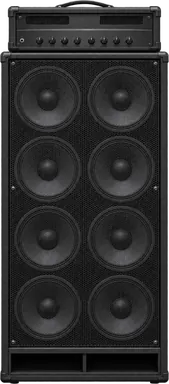
- Bass Stack 8x10
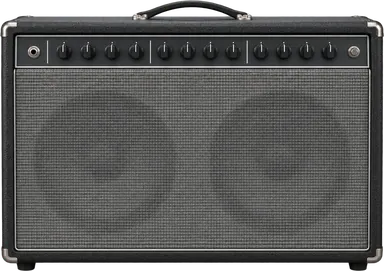
- Guitar Combo 2x12
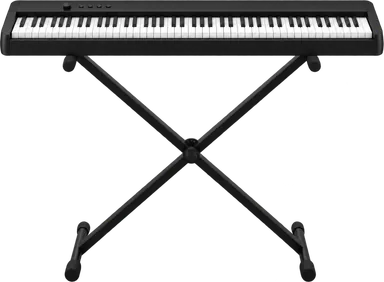
- Stage Piano
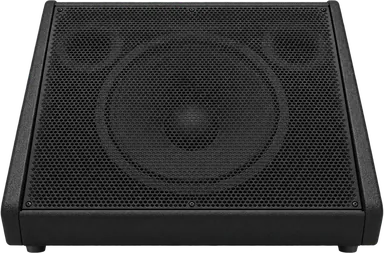
- Wedge
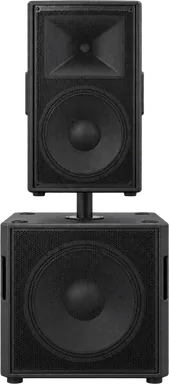
- Sidefill
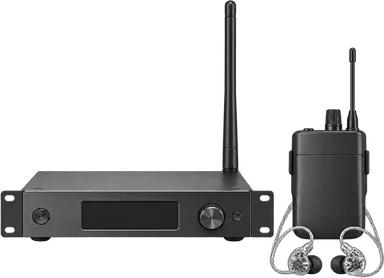
- IEM Transmitter
- Riser
Build a Stage Plot That Crews Can Use
A stage plot is read by people setting up a stage quickly, often before the band arrives. These details make it usable.
Risers with real dimensions
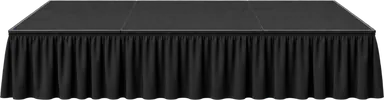
Add a riser from the presets (1 × 2 m to 3 × 3 m and 20–100 cm high, or 4 × 4 ft to 8 × 12 ft in feet) or enter your own size.
Risers are drawn at the size you enter, in proportion to the stage, and the printed plot lists width, depth and height under each one. The riser's panel shows what stands on it. To move a riser together with its drum kit or amps, drag a selection box over them and move them as a group.
Monitor Positions and Mix Labels
Place wedges, sidefills, drum fills and IEM transmitters where they stand on stage. A new wedge is numbered automatically (Wedge 1, Wedge 2…) and carries a mix number you can change in its panel; the editor shows it as M1, M2 next to the name.
That number is a label on the plot. Mixes themselves are numbered and assigned on the Output List, a separate page, and the two are not linked automatically. Several wedges can share one mix: in the sample rider, both front wedges are on mix 18. The PDF prints each monitor's name, so name them the way your Output List does. Projects started from a template begin with matching labels, because the template draws the plot from the same plan as its lists; after that, changes to one are not copied to the other.
Labels and notes
Give each element the name the crew will use: “Gtr SR”, “Bass Stack 8×10”. Add a note to any element, such as “needs a power drop”. Notes print under the plot, so the drawing itself stays clean.
Which way the stage faces
The printed page marks upstage and downstage, stage right and stage left. Choose A4 portrait or landscape in the editor and the PDF follows. The page includes a scale bar; it is part of the drawing, so distances can be read off it even when the page is printed smaller or larger.
Example: a band stage plot
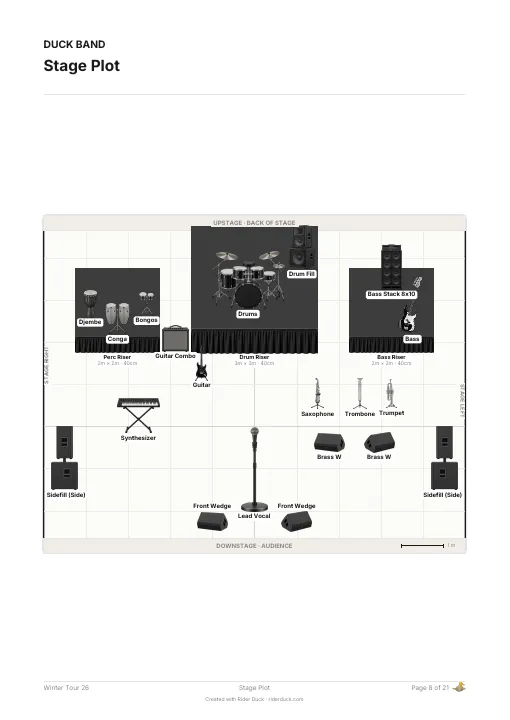
The stage plot in the sample rider is a typical band layout. Upstage centre is a 3 × 3 m drum riser, 40 cm high, with a drum fill beside it. Stage right, a 2 × 2 m percussion riser carries djembe, congas and bongos; stage left, a 2 × 2 m bass riser carries an 8×10 bass stack. A grand piano stands stage right and a three-piece horn section (saxophone, trombone, trumpet) stands stage left with two brass wedges. The lead vocal has two front wedges, and sidefills stand on both sides. On the Output List the two front wedges share mix 18 and the brass wedges share mix 19.
Start from a Template or Your Own Setup
You don't have to start from an empty stage:
- Templates. Thirty project templates (rock band, pop band, DJ setup, festival, orchestra, theater and more) draw the stage plot from the same plan as their input and output lists, so all three start out consistent.
- Example band. An empty stage offers a small example band (drums on a riser, vocals, guitar, bass, keys and a wedge) to start from.
- Draft from your lists. If your input list and output list are already filled in, Rider Duck can draw a first draft: people come from the input list and the band members, wedges and sidefills from the output list. It asks who sings backing vocals and who runs playback. The draft is a starting point: it replaces what is on the stage once, and Undo brings the previous layout back.
- Your own template. Save a finished project, stage plot included, as a template for the next tour.
From Stage Plot to Technical Rider
The stage plot is one page of a Rider Duck project. The input list, monitor mixes, RF and wireless systems, console setup and backline each have their own page in the same project, and the PDF export puts them together. You choose which sections the PDF includes.
The plot and the lists are edited separately: when you add a wedge to the plot, add its mix to the output list as well. Because they live in one project, you can check them side by side instead of comparing separate files.
Items from the Stage Production page, such as LED walls, screens and projectors, can be placed on the plot too.
Practical Questions
- Is the stage plot maker free?
- Rider Duck is free during the beta. You need an account to use the editor, save your work and export.
- Can I make a stage plot on my phone?
- The editor needs a laptop or desktop: placing and sizing elements takes a mouse or trackpad and a bigger screen. On a phone you can edit the rider's details, lighting, hospitality, crew and conditions, and download the PDF.
- Metres or feet?
- Both. Change the unit in the editor; stage sizes, riser presets and the scale bar change with it.
- What file do I send the venue?
- A PDF: the stage plot prints as a page of your technical rider, A4 portrait or landscape.
- Which languages?
- The rider, stage plot included, prints in English, Turkish, German, Spanish, French or Russian.